

Desktop
SageOx for Mac
Record both sides of a call from your menu bar — your voice and everyone else's.
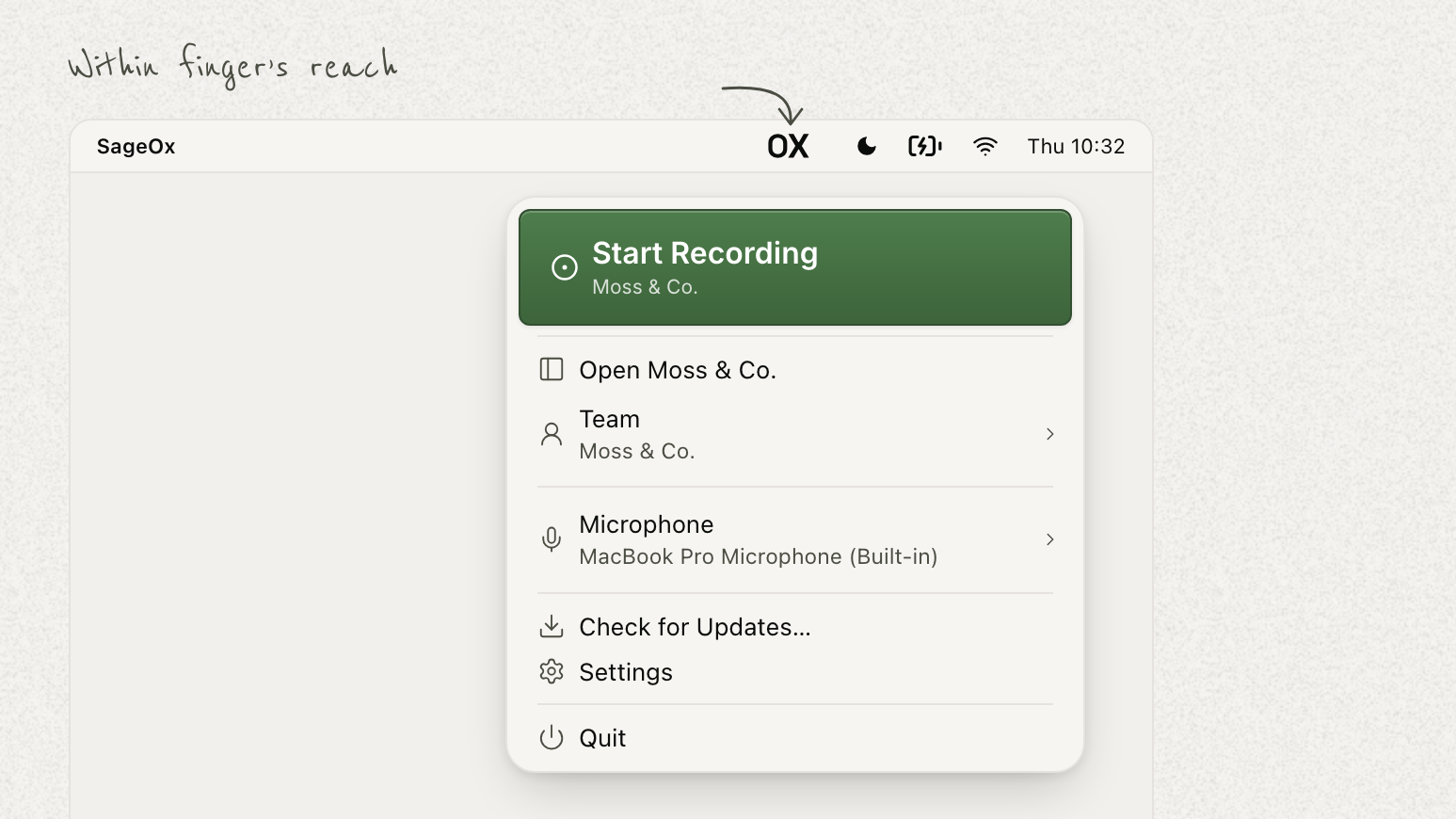
- Available today for macOS 14.4 and later. Download it for Apple Silicon or Intel, sign in, and record.
- Both sides of a call, from the menu bar. One click captures your voice and everyone else's, so a Zoom, Google Meet, or Teams call arrives as a whole conversation instead of half of one — never your screen.
- Pause, stop, or discard without opening a window. A live timer and a "Hearing you" indicator confirm it's running, and a recording you don't want can be thrown away before it's kept.
- Auto-record into a chosen team. Settings → Recording picks where a detected meeting is captured, and can end the recording when the meeting ends, with a brief chance to undo.
- Offline is not lost. Audio stays on the Mac and is delivered when the connection returns; keep SageOx open and it finishes saving.
- Ask your coding agent about the call you just had. The discussion lands with a summary, the decisions, and the next steps, and connecting over MCP lets Cursor, ChatGPT, or Claude answer questions about what was said — no re-explaining the meeting.
Get SageOx for Mac, or read the setup guide.